
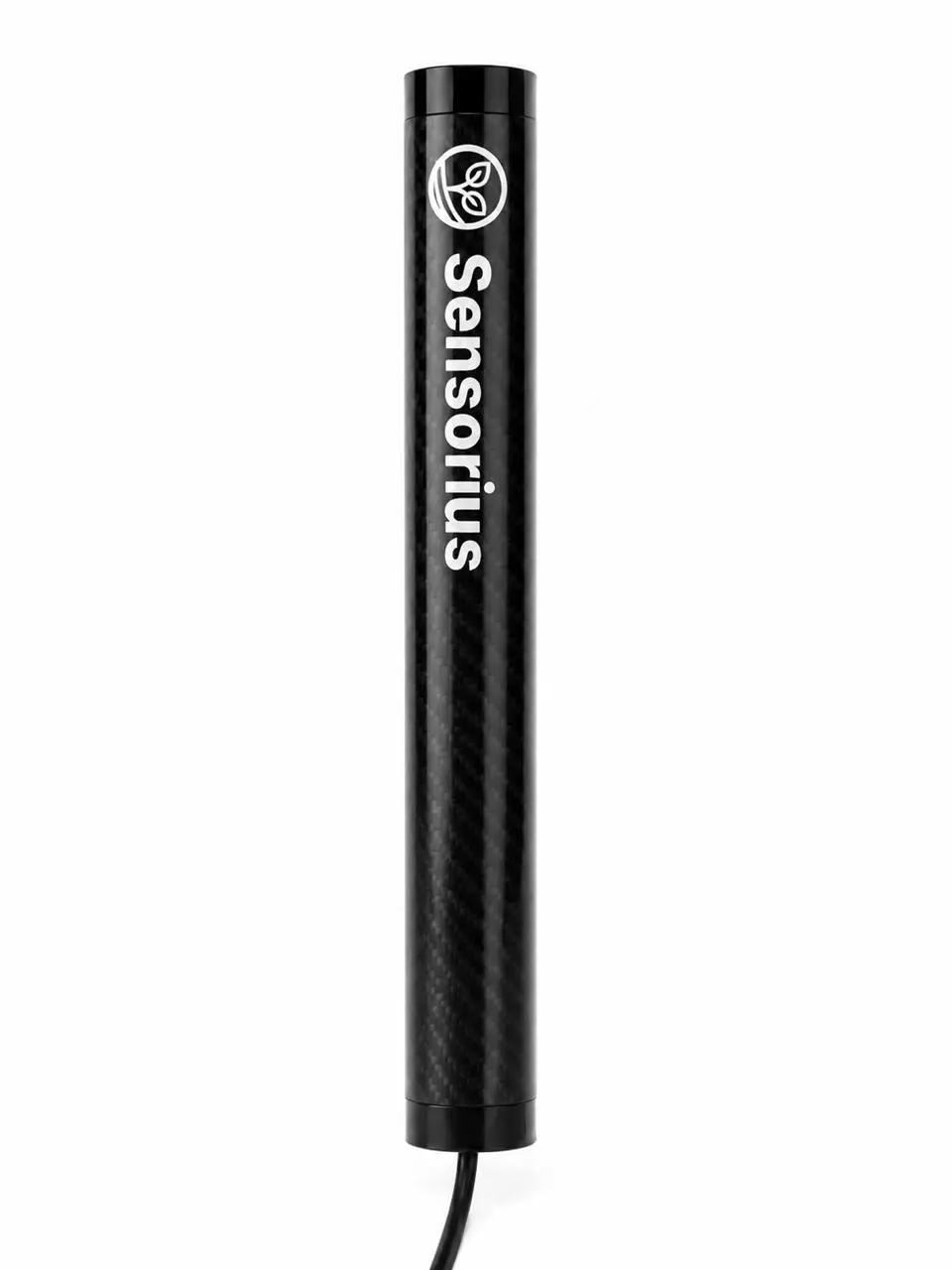
SENS-LINK-RS485-V1 sends data from compatible RS-485 and Modbus equipment to the Sensorius Platform over LTE-M or NB-IoT. Connect suitable installed meters, controllers, and other assets so the team can review readings remotely and plan follow-up checks.
| Parameter | Specification |
|---|---|
| Field bus | RS-485 for compatible Modbus equipment; A/B bus wiring |
| Digital inputs | Two inputs: IN1 and IN2 |
| Operating temperature | −20 to +85 °C |
| Dimensions and mass | 250 × 30 × 30 mm; 183 g |
| Enclosure protection | Protection depends on the enclosure variant and installation; confirm the validated rating for the supplied device |
| Cellular connectivity | LTE-M (Cat-M1) and NB-IoT (Cat-NB1/NB2); supported bands depend on region and operator |
| Local service | Hall sensor service trigger; BLE service window is described in the operating instruction |
| Firmware | Over-the-air (OTA) updates supported |
| Data handling | Scheduled Modbus polling; readings are buffered locally when cellular service is unavailable and forwarded when connectivity returns |
Temperature, dimensions and mass are nominal values listed in the operating instruction; confirm them for the supplied variant. Configure bus settings for the connected equipment. Confirm input compatibility, enclosure protection, and installation requirements with Sensorius before deployment.
Your installer must set the baud rate, parity, stop bits, device IDs, register map and polling schedule, and configure termination and biasing for the connected equipment. These settings determine how the equipment communicates and which readings are collected. Compatibility depends on the specific device and installation.
Connected readings and events can be reviewed in the Sensorius Platform alongside field, weather, timeline, and other device information.
Download the operating instructions for this device as a PDF.
Download operating instructions (PDF)Sensorius should review the equipment protocol, register requirements, wiring, power, connectivity, and data-frequency needs before installation.